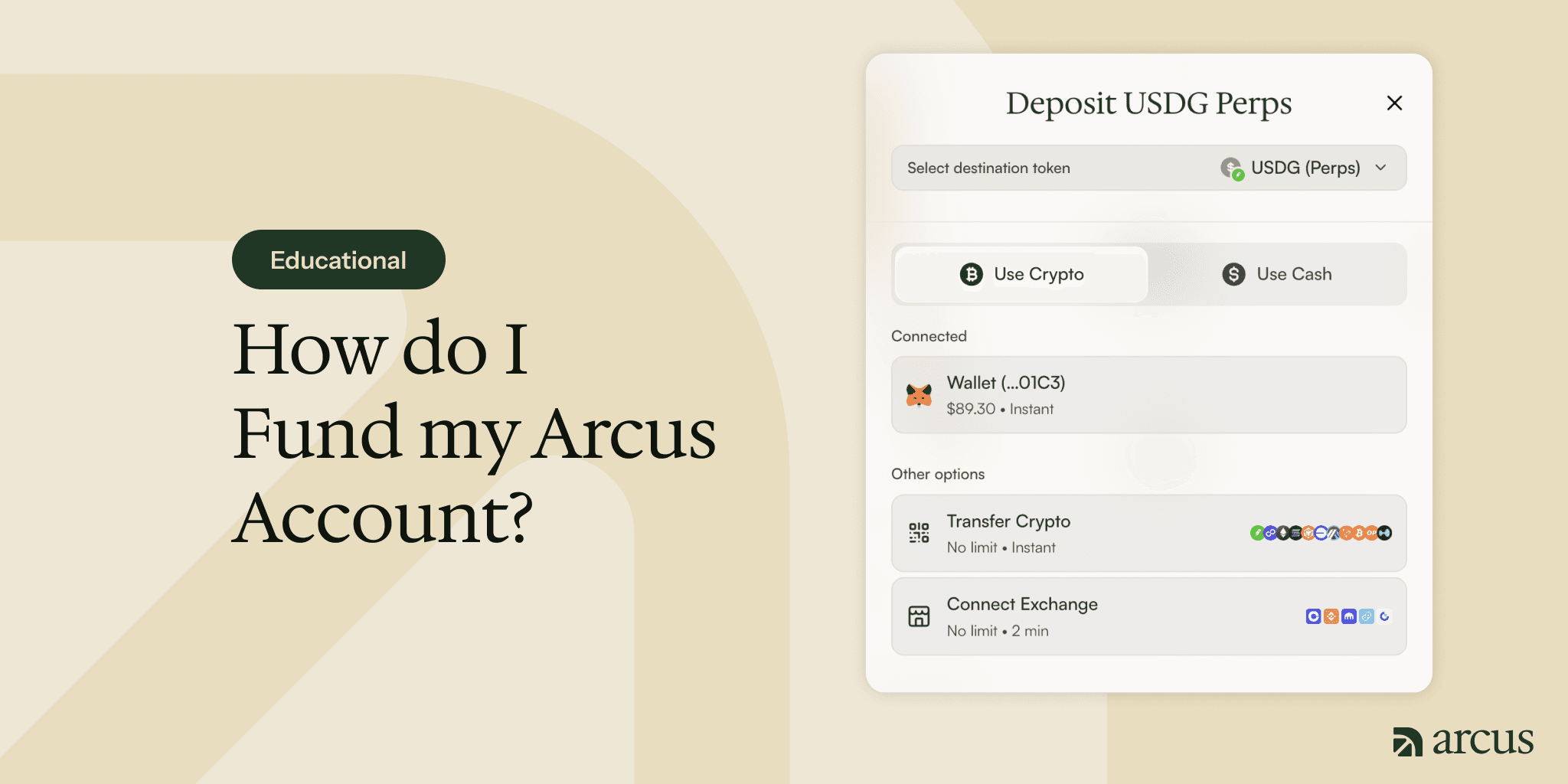
How to Start Trading on Arcus
Trading on Arcus takes four steps: connect a self-custodial wallet or create one with an email or Apple sign-in, enable trading, add funds, and place your first trade at app.arcus.xyz. Arcus never holds your keys or funds, and it is available only in eligible jurisdictions.


Arcus Team
Arcus is a self-custodial decentralized exchange where you can trade Stock Tokens and Equity Perpetuals: perpetuals across stocks, crypto, commodities, and indices, all from one account on Robinhood Chain. Getting started is easy, and takes four steps: connect a wallet, enable trading, add funds, and place your first trade. All the magic happens at app.arcus.xyz.
A quick note before you start: Arcus is available in eligible jurisdictions. It is restricted the US, UK, Canada, and certain other regions. The Terms of Use cover current restrictions in more detail.
Step 1: Connect a wallet
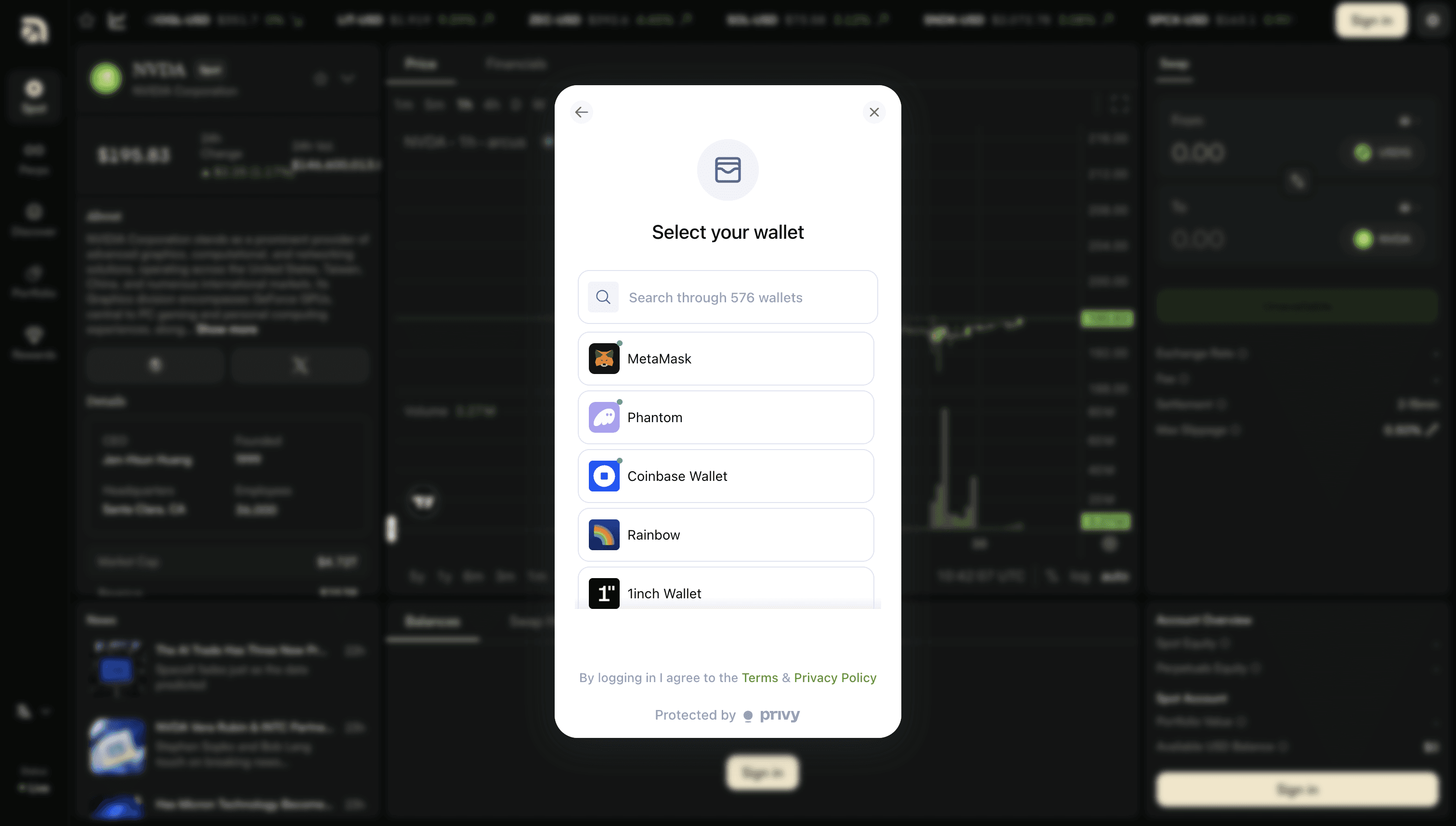
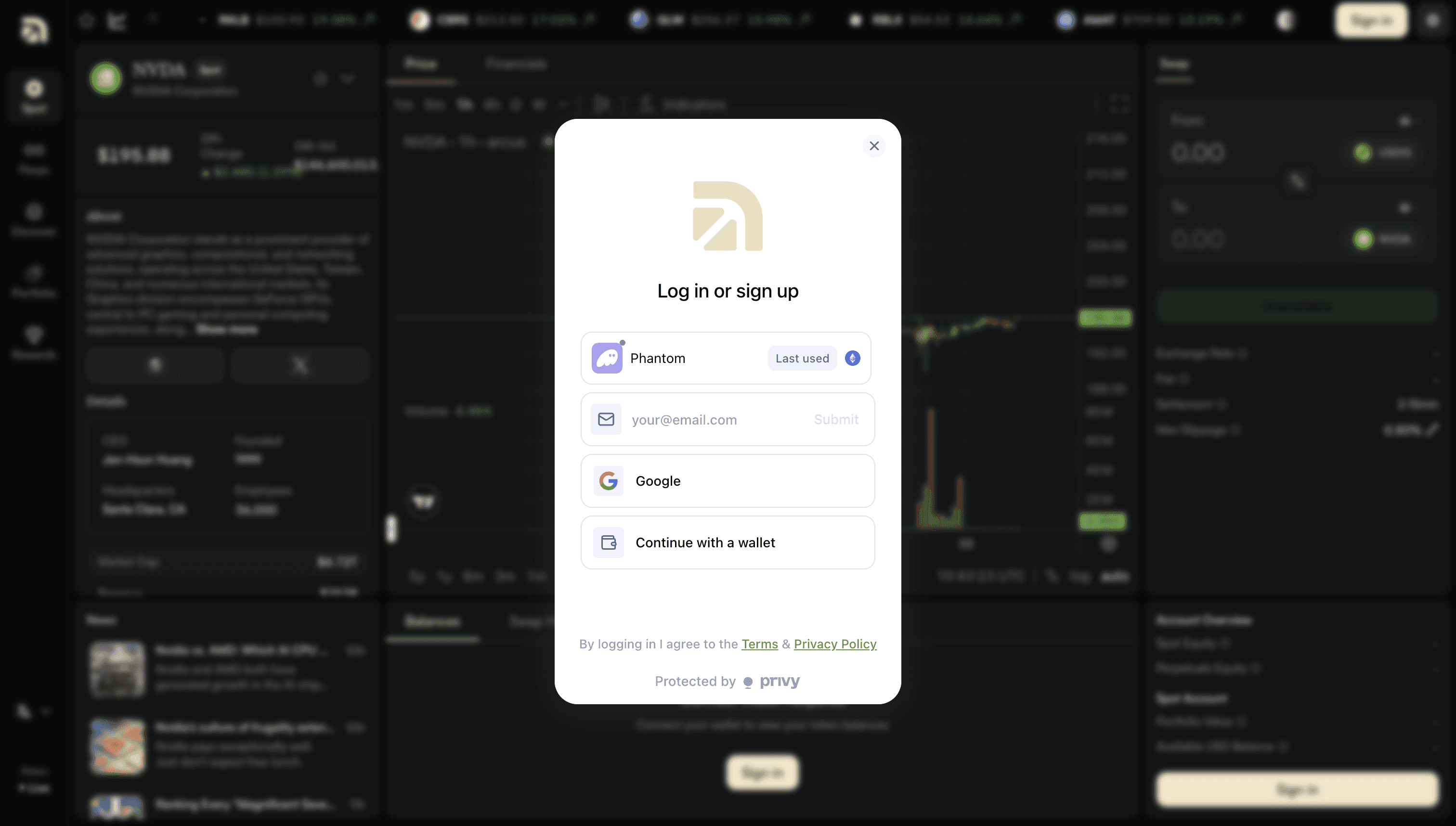
Head on over to app.arcus.xyz and connect a wallet. If you already use a self-custodial wallet like MetaMask, Coinbase Wallet, or Phantom, connect it directly. New to wallets? You can create one in seconds using an email or Apple sign-in, with no seed phrase to write down. Either way, the wallet is yours. Arcus never holds your funds or your keys.
Step 2: Add funds
Click Deposit. First, choose where your funds should land: your Spot account, for Stock Tokens, or your Perps account, for perpetuals. Whichever route you pick, your deposit arrives as USDG, the stablecoin Arcus settles in.
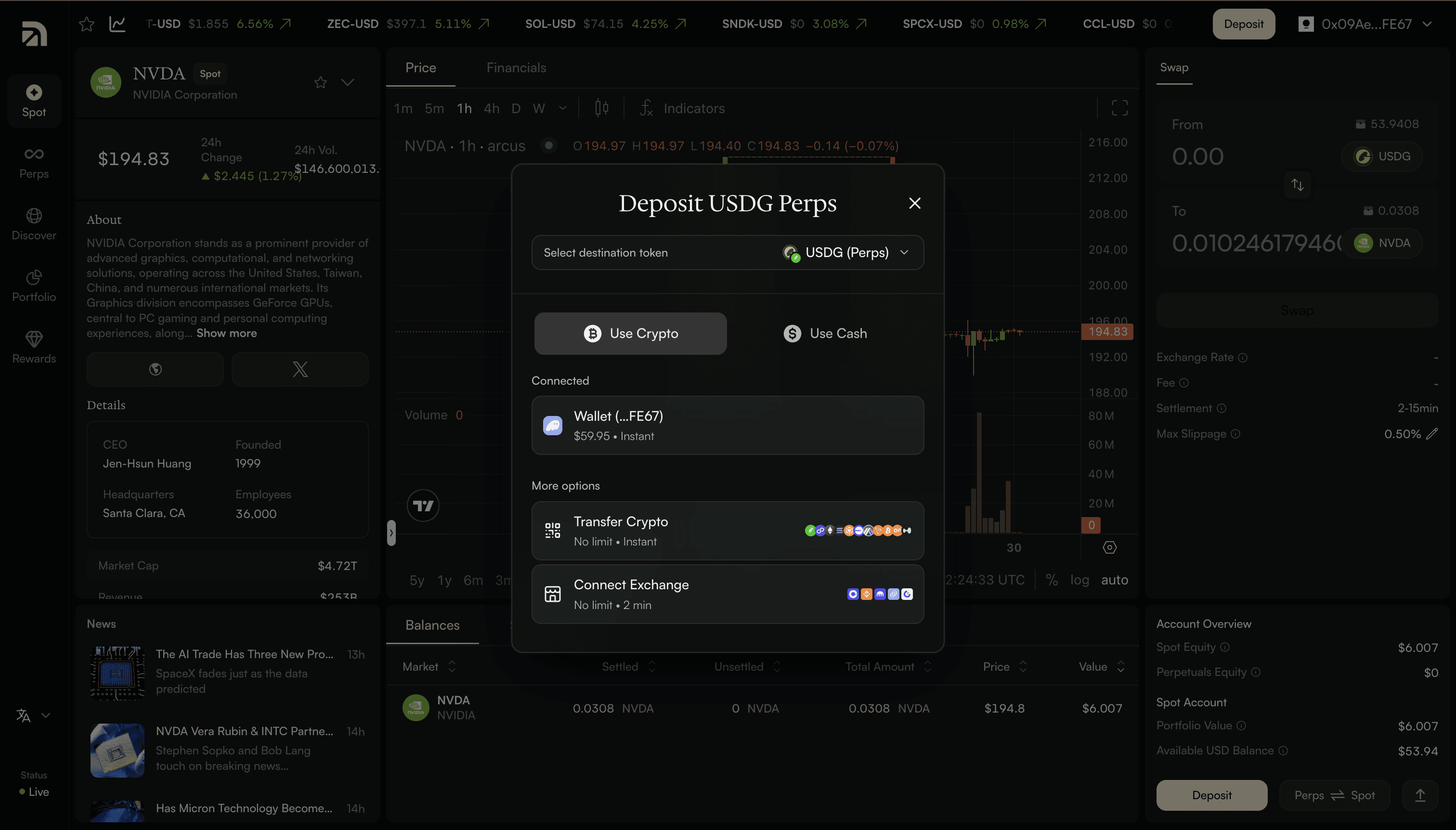
There are four ways to fund the account:
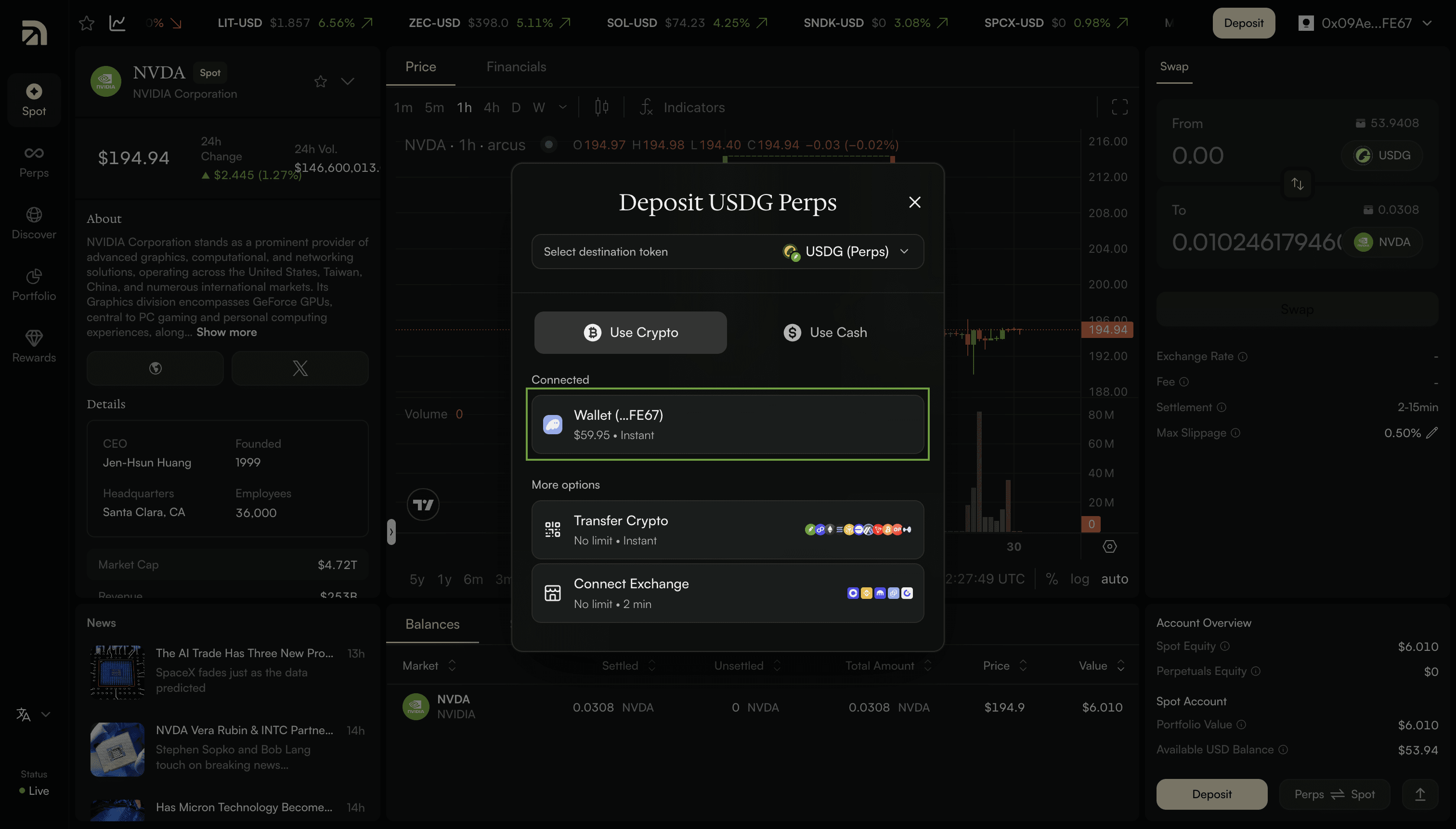
Wallet. If you’ve already connected a wallet, this is usually the simplest route. Your wallet shows up on the deposit screen with its balance. Select it, pick the asset you want to deposit, and enter an amount. Arcus shows you a quote and what you’ll receive in USDG; confirm, and it lands. No addresses to copy.
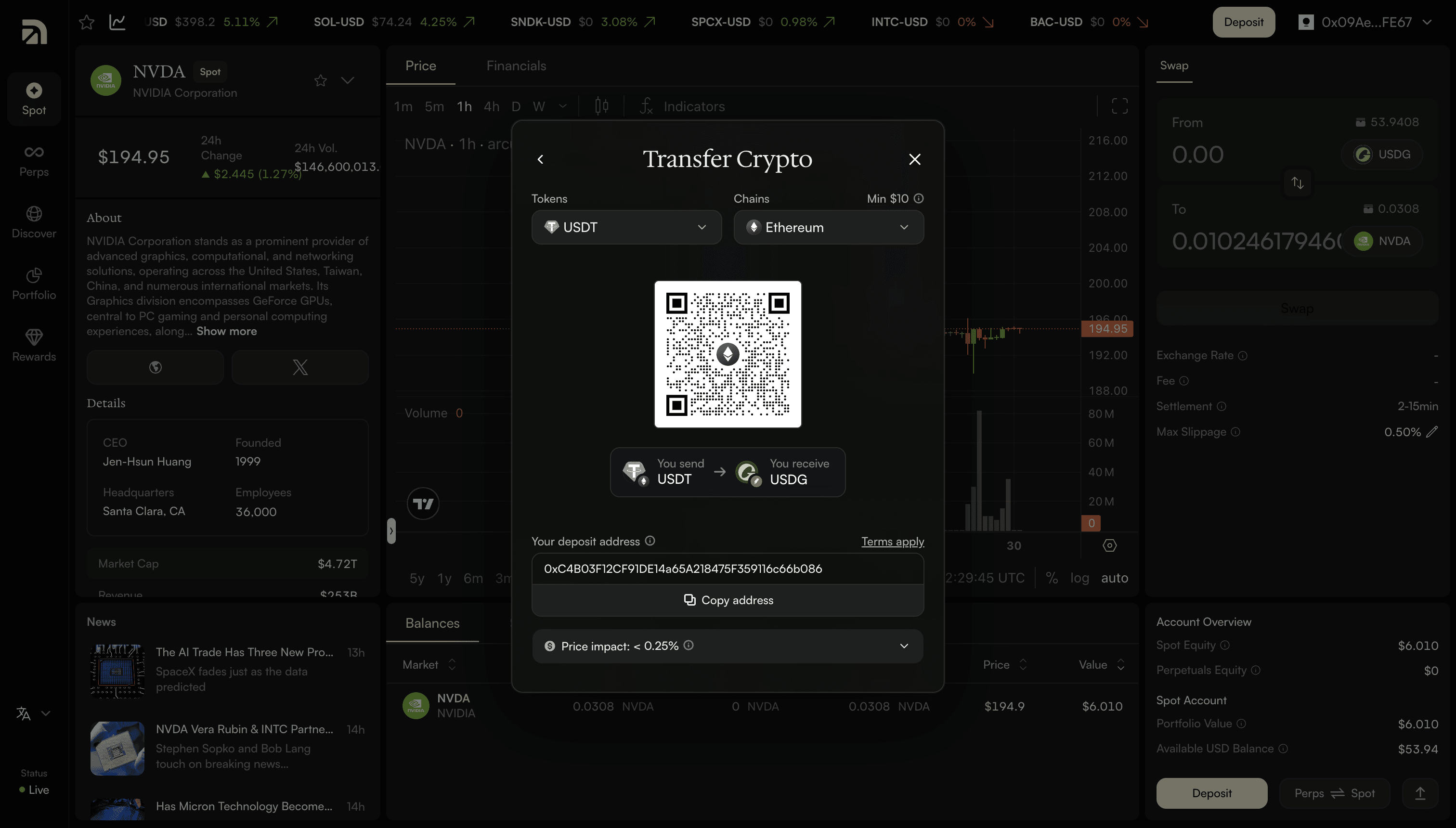
Transfer crypto. Send crypto from almost any major chain, including Ethereum, Arbitrum, Base, Solana, and Bitcoin. Pick the token and chain, send to the address shown or scan the QR code, and it converts to USDG on arrival. This is usually instant, with a minimum of around $3 on most chains (a little higher on a few, like Ethereum), the exact minimum is shown before you send.
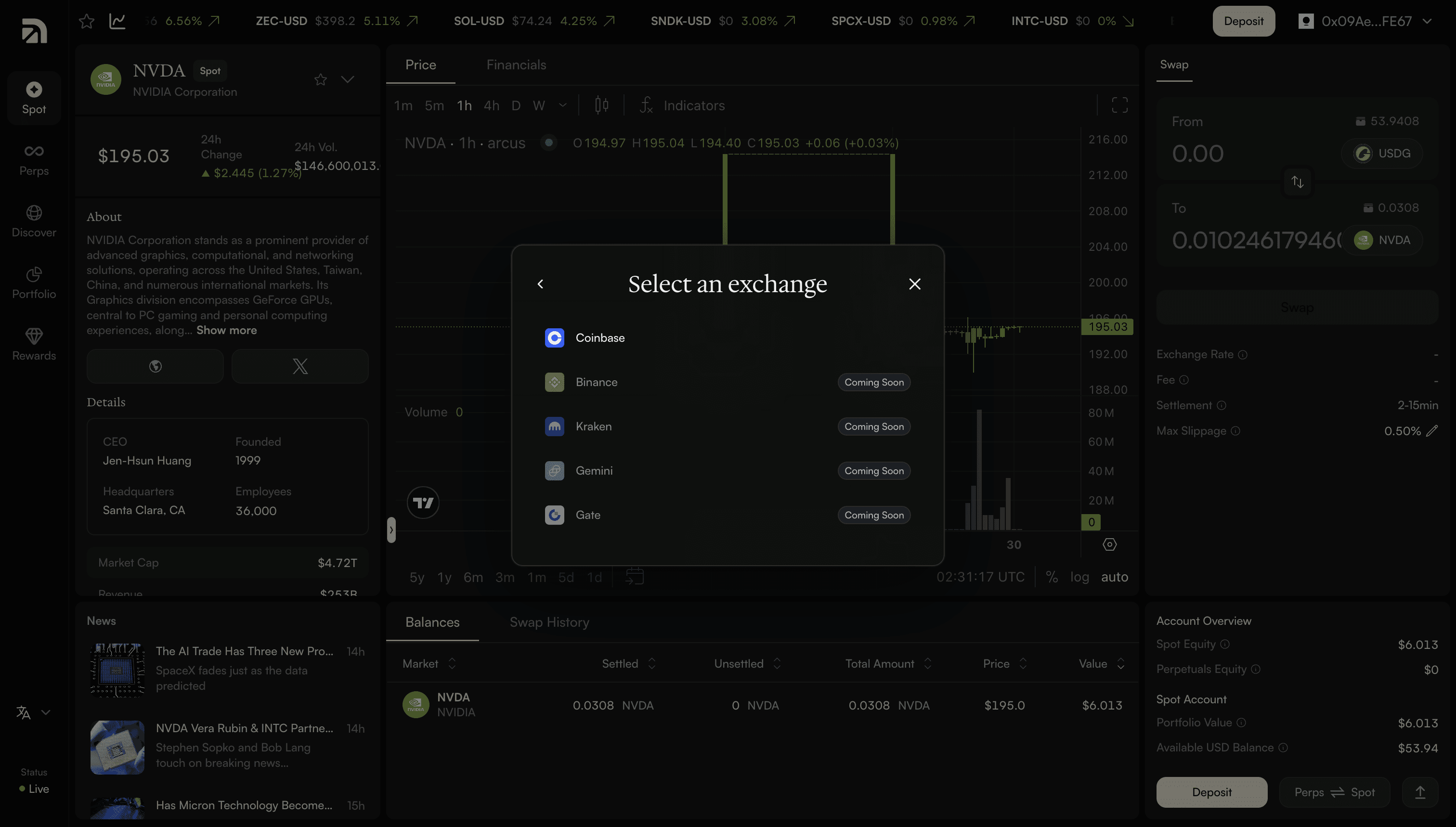
Connect an exchange. Pull funds straight from a centralized exchange balance. Coinbase is supported, and it takes about two minutes.
Arcus doesn’t charge a deposit fee of its own. Any third-party processing or network cost is shown upfront, before you confirm anything.
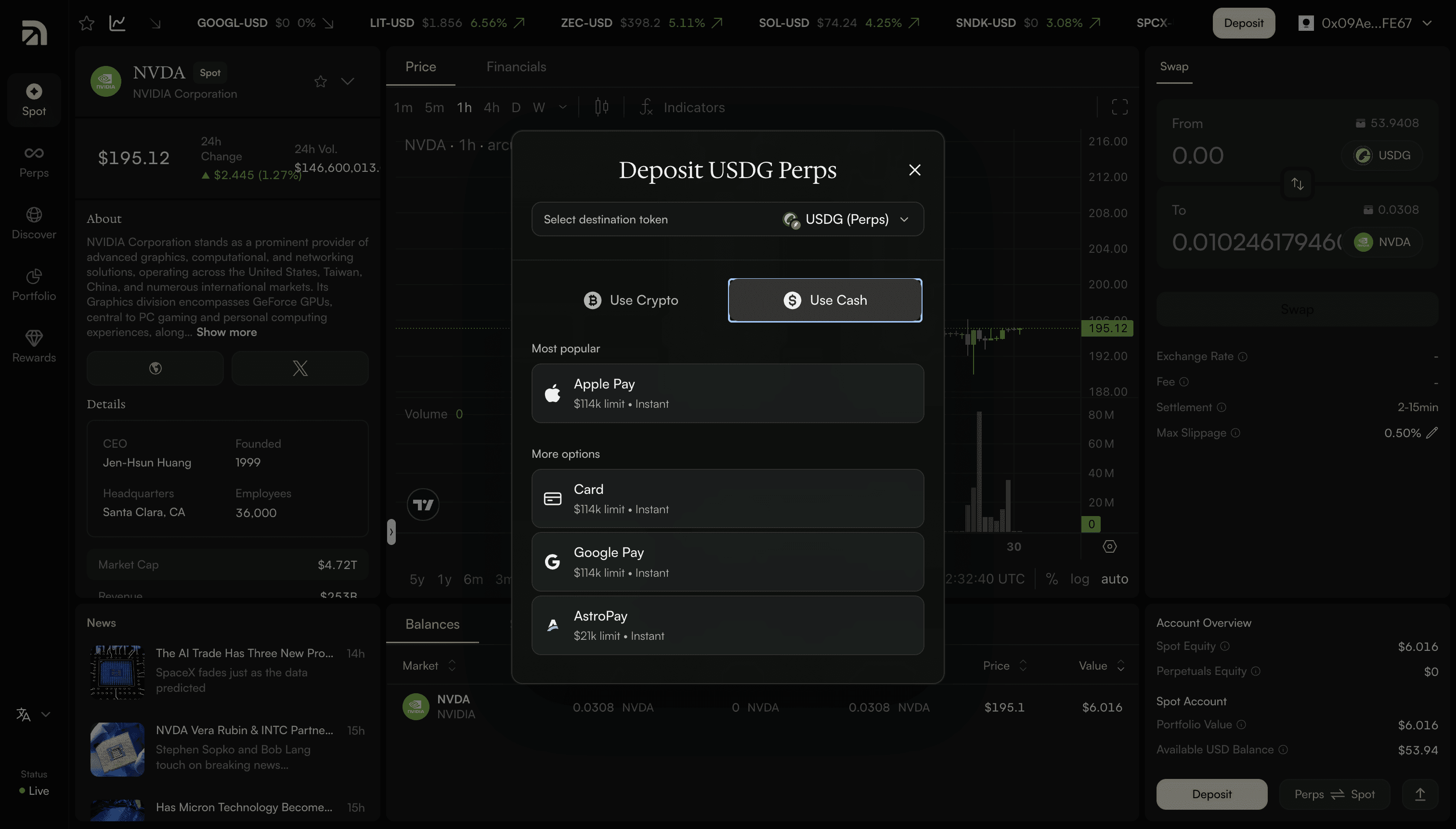
Use cash. Pay with Apple Pay, Google Pay, a card, or AstroPay, the fastest route if you’re starting from regular money rather than crypto. Arcus shows you a quote with the amount, fees, and total before you confirm.
Step 4: Place your first trade
Now choose what you want to trade. Arcus has two sides, and your funds can move between them at any time.
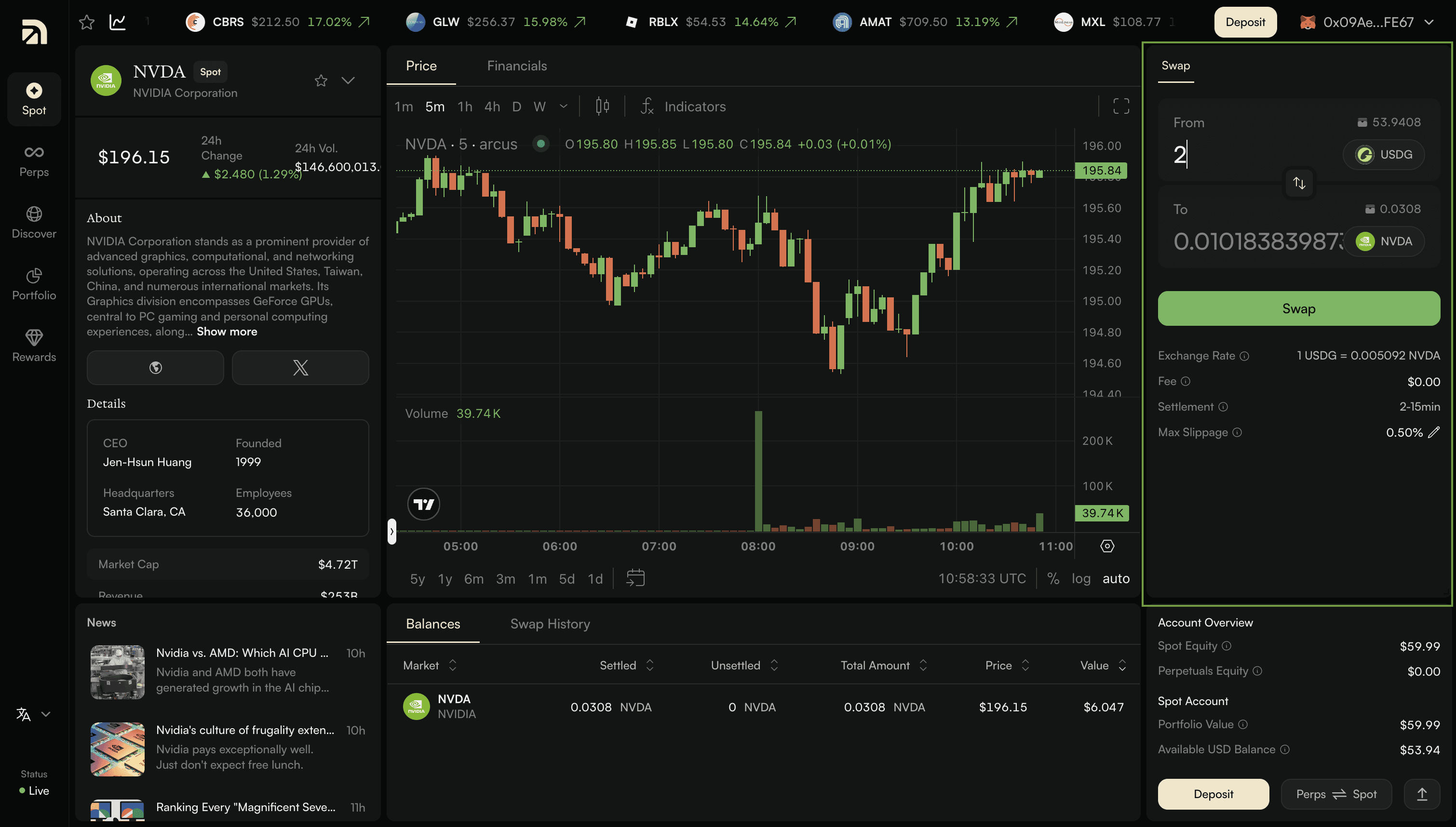
Spot: Open the Spot tab and pick a Stock Token like TSLA or NVDA. Spot trading works as a swap: you exchange USDG or any other token for the token you want, and confirm.
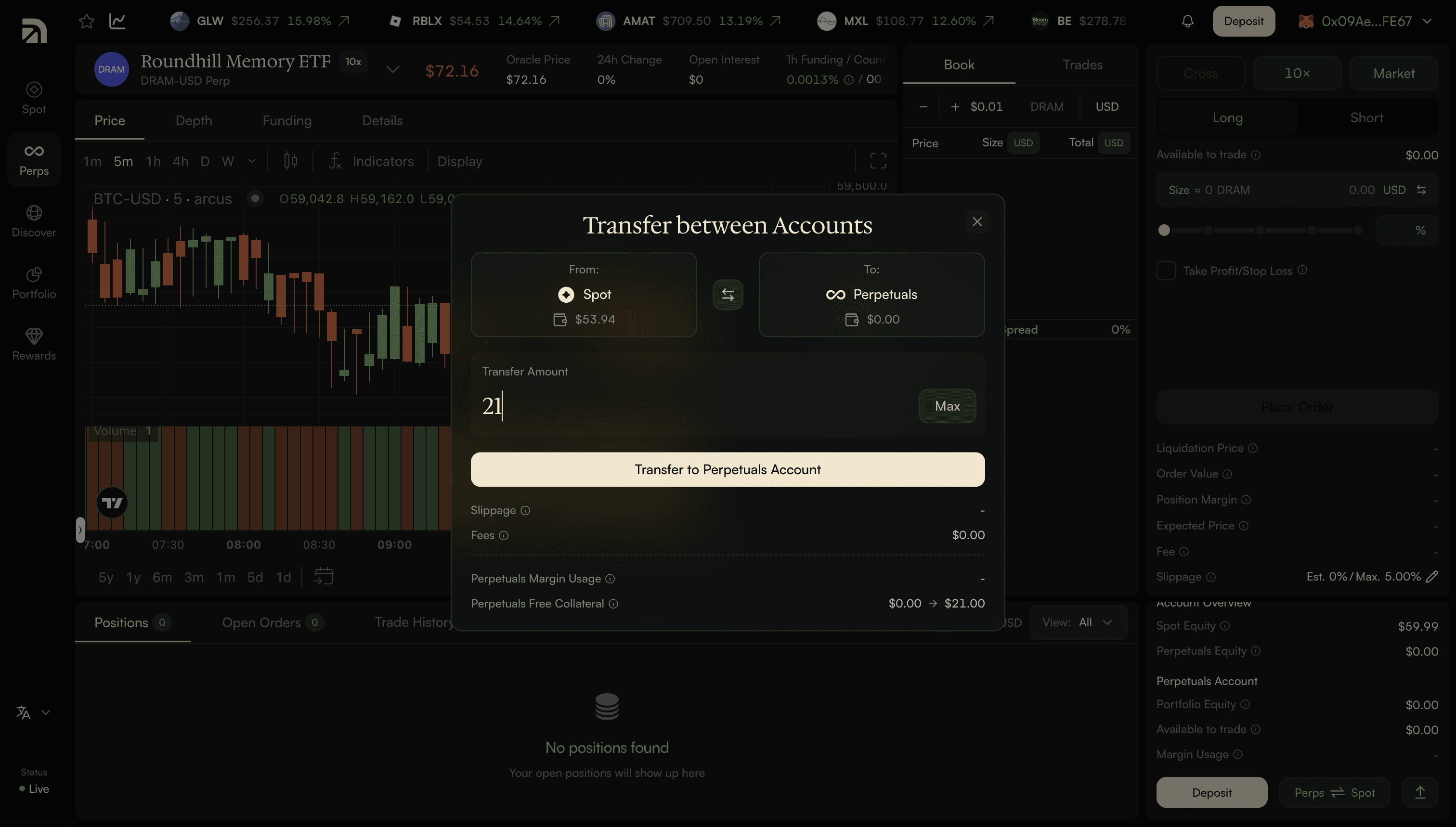
Perpetuals: Open the Perps tab and select a market. Here you can go long or short, choose your leverage, and place a market or limit order against a live order book. Your position is margined in USD, and the interface shows your liquidation price, order value, and fees before you place the order. To move money between the two, use the Perps and Spot toggle. Funds shift between your Spot and Perps accounts whenever you need them to.
Finding markets and tracking your account
Two more places are worth knowing from the start:
Discover Tab: lists every market, with tabs for stocks, commodities, crypto, and indices, plus a search bar for any name or ticker.
Portfolio Tab: shows your total value, open positions, free collateral, and fee tier in a single view. When you want to cash out, “Withdraw” sends funds back to your wallet, with no lockups.
Getting started on Arcus takes four steps at app.arcus.xyz: connect a self-custodial wallet, enable trading with one free signature, add funds (which arrive as USDG via crypto, an exchange, or cash), and place your first trade. Spot lets you swap into Stock Tokens that you hold in your own wallet. Perpetuals let you go long or short with leverage on equities, crypto, commodities, and indices. One account, both sides, your keys throughout.
—
Arcus is a blockchain-based smart contract protocol that permits self-custodial peer-to-peer trading of Stock Tokens, cryptoassets and perpetual futures. Arcus is not a regulated financial services provider, and it is not available in the U.S., Canada, United Kingdom and other restricted jurisdictions.
Stock Tokens are tokenised securities issued by Robinhood Assets (Jersey) Limited under its Tokenised Products Programme. They are created and redeemed by the Issuer, with subscriptions, redemptions and/or distributions facilitated by Bitstamp Global Ltd as an Authorised Participant where specified. Stock Tokens provide economic exposure to a relevant underlying equity instrument or ETP through a contractual claim against the Issuer for a cash Redemption Amount linked to that underlying, but they do not confer ownership of the underlying or shareholder rights, including voting rights, direct dividend rights, or rights in the insolvency or administration of the underlying issuer. Stock Tokens involve risks not present, or not present to the same extent, in traditional stock ownership, including private-key loss or compromise, limited redemption access, liquidity constraints, price or tracking divergences from the underlying, and uncertain or evolving regulatory treatment.
Trading Stock Tokens, cryptoassets or perpetual futures is risky and involves risks of loss, particularly when using leverage. DYOR. NFA.
Frequently asked questions
How do I start trading on Arcus?
Which wallets work with Arcus?
How does a spot trade work on Arcus?
How do I withdraw from Arcus?